GDPR purge
Choose to purge system data to ensure that GDPR is adhered to.
Note: Anonymous data is retained in WORKSuite for audit and reporting purposes.
Purge data either:
-
Prior to a specific date.
- For a specific employee.
or
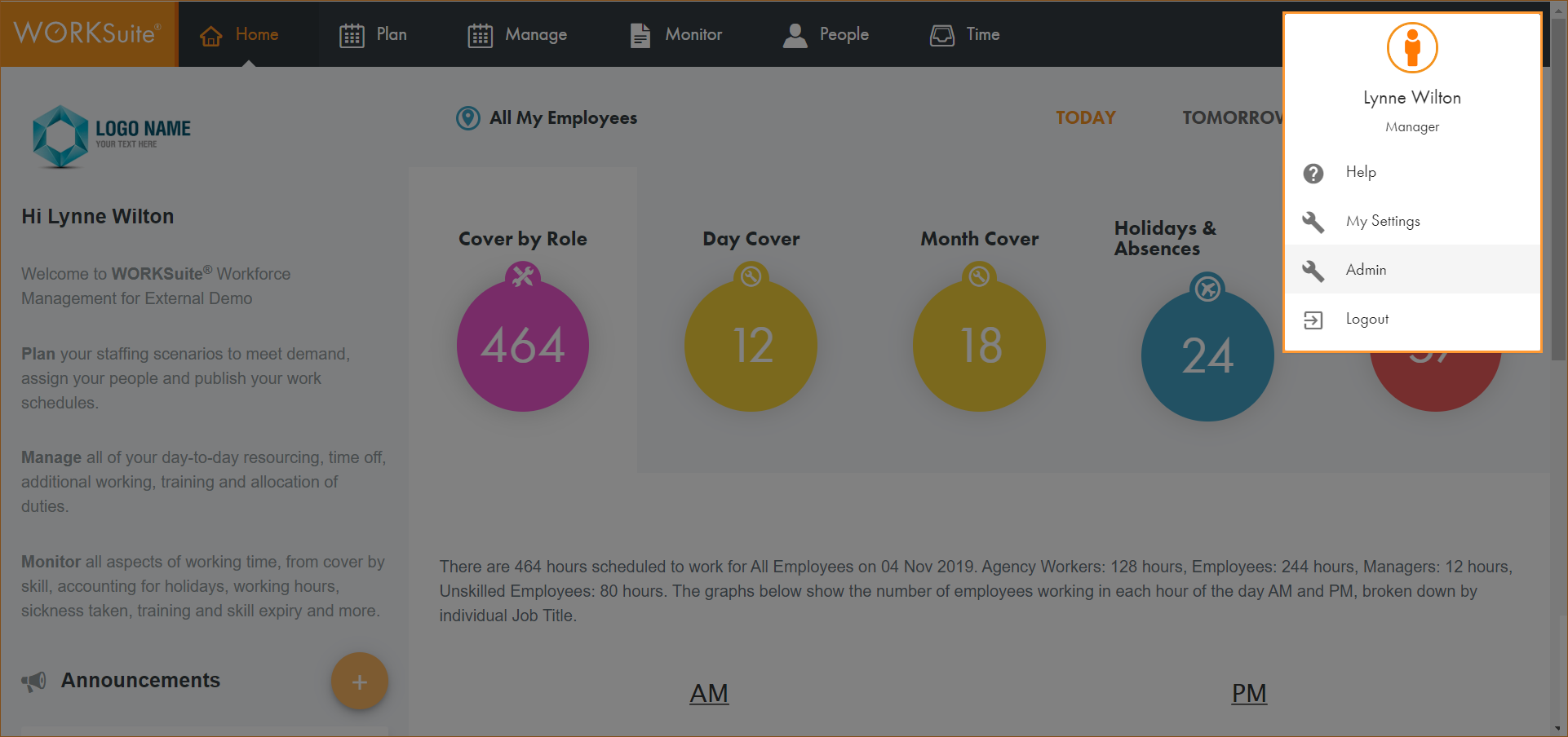
- Click on your avatar in the top right of any screen and select Admin:
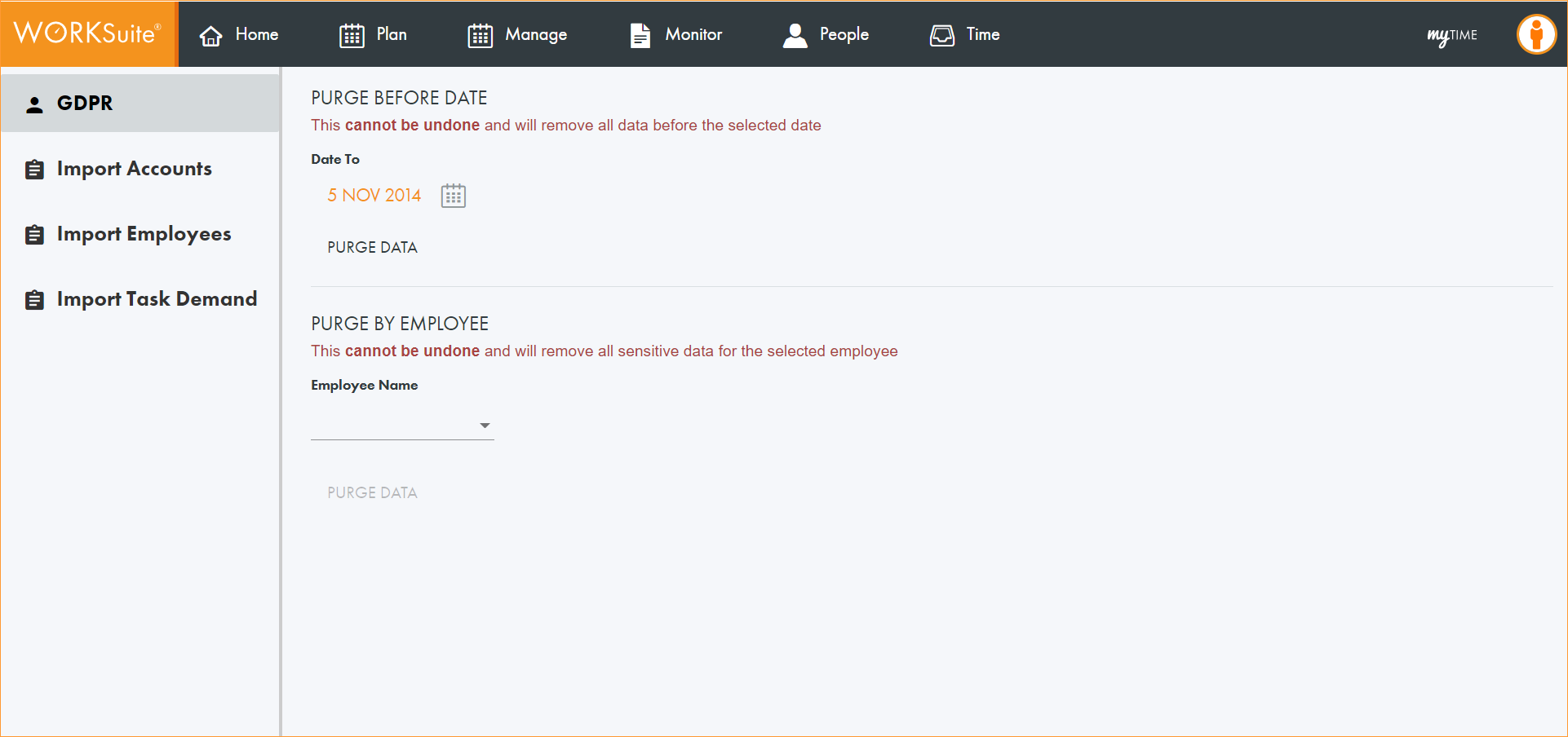
- Select GDPR from the left hand menu:
- Either:
-
Click
 and select a date from the calendar displayed. All data up to this date will be purged. Any employees set to leave before the selected date are also purged.
 - Click on the Employee Name dropdown and select the employee whose data you want to purge.
- Click PURGE DATA.
or
A warning message is displayed asking you to confirm if you want to proceed.
- Click Proceed.
A message is displayed confirming that the data has been purged.