Delete an employee record/Record an employee leaving date
Use the People tab to delete any obsolete employee records or to mark a current employee’s leaving date.
Note: Records can also removed from the system using the GDPR purge function.
- Open the People tab.
- Use the Search field to locate the record that you want to work with. Enter any term shown under the column headers:
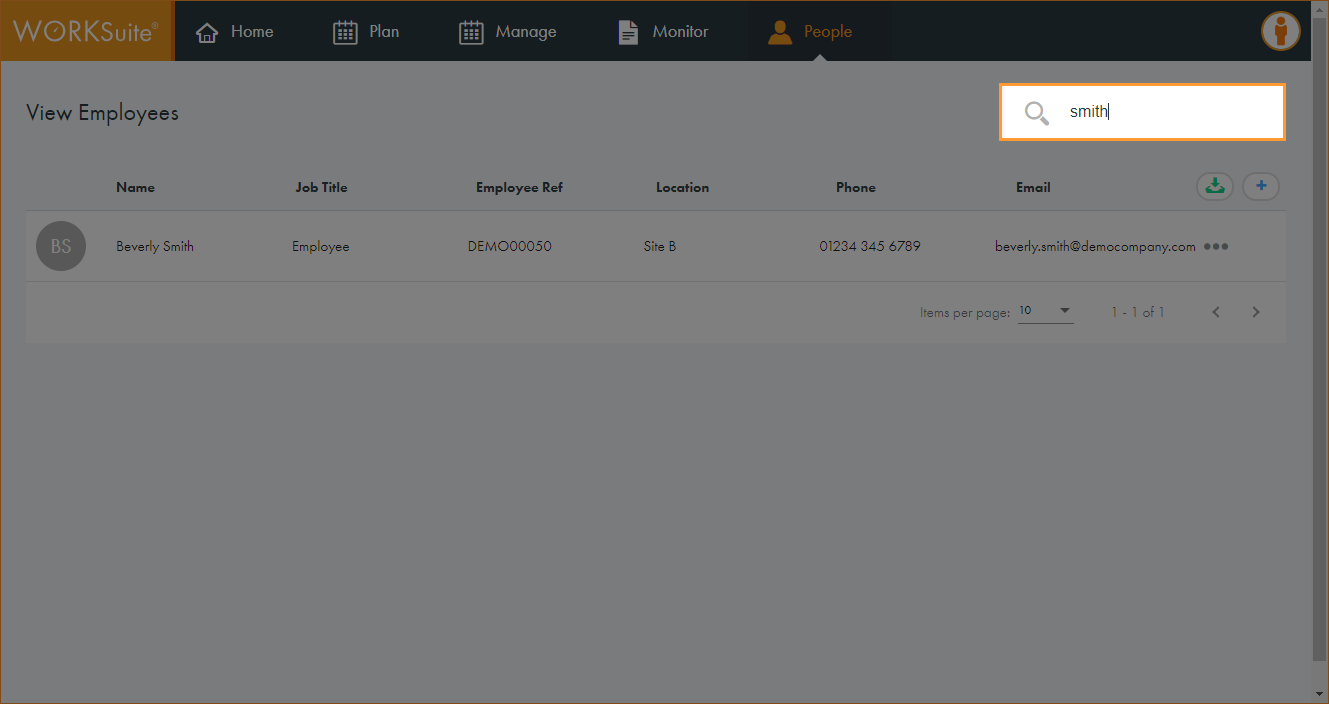
The records filter automatically.
- Click in any of the column headers to sort the records as required.
- Click … in the record that you want to work with and select Delete Employee.
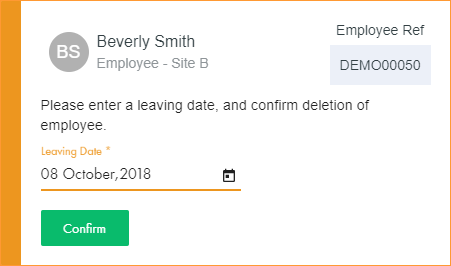
A popup window is displayed:
- Click
 and select a leaving date for the employee.
 - Click Confirm. The window closes.
The employee record is deleted from the system at the end of the stated leaving date.