Allocate shifts
Once Tasks Management has been configured you can allocate shifts:
- Open the Plan tab.
- Select a work area or add a new work area. Each shift is held in a work area and a calendar. For example, work areas could be ‘London’, ‘Manchester’ and ‘Birmingham’.
- Select a calendar or add a new calendar. Each calendar holds team shifts made up of employees. Within ‘Manchester’, list calendars for ‘Headquarters’ and ‘Factory’.
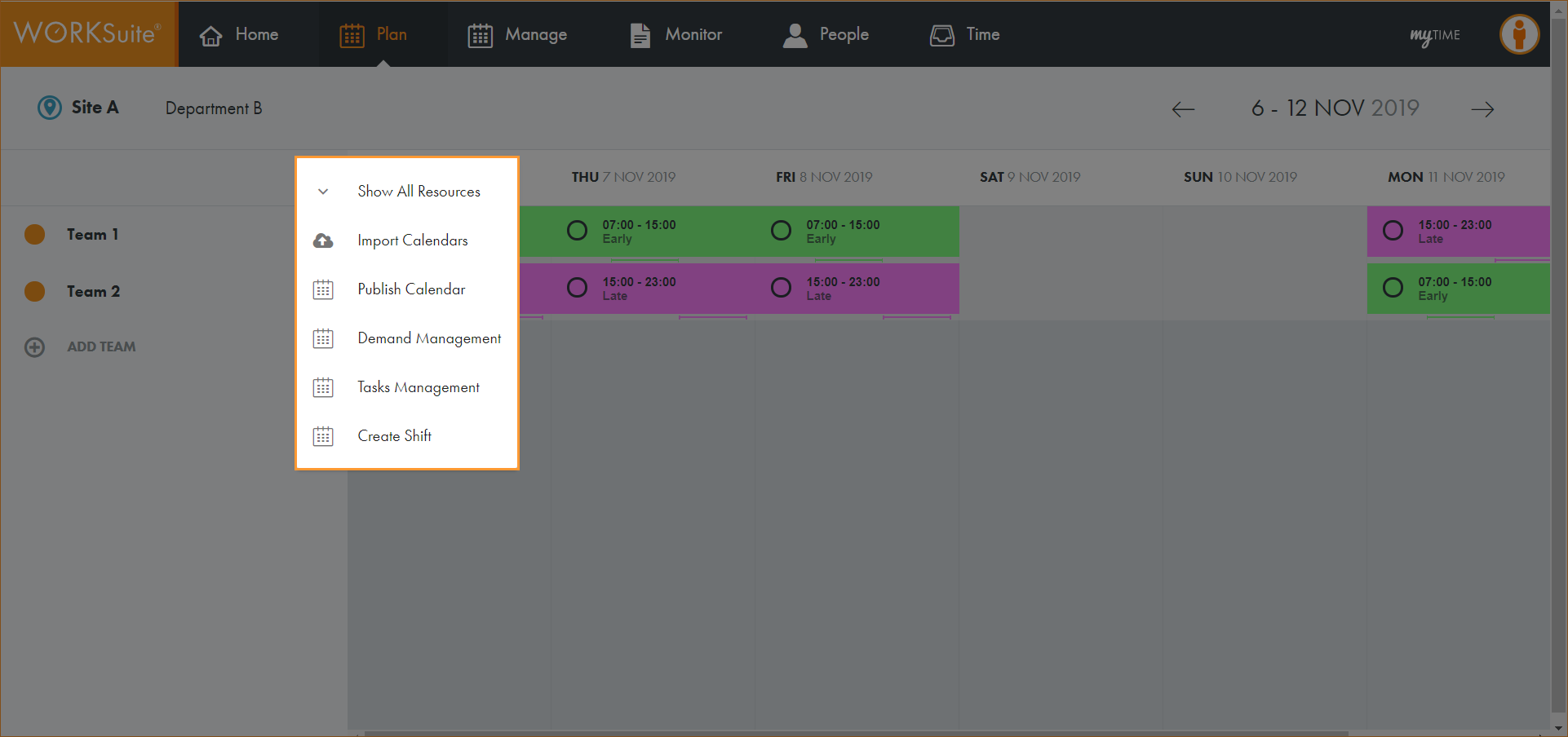
- Click … in the calendar header:
- Select Tasks Management.
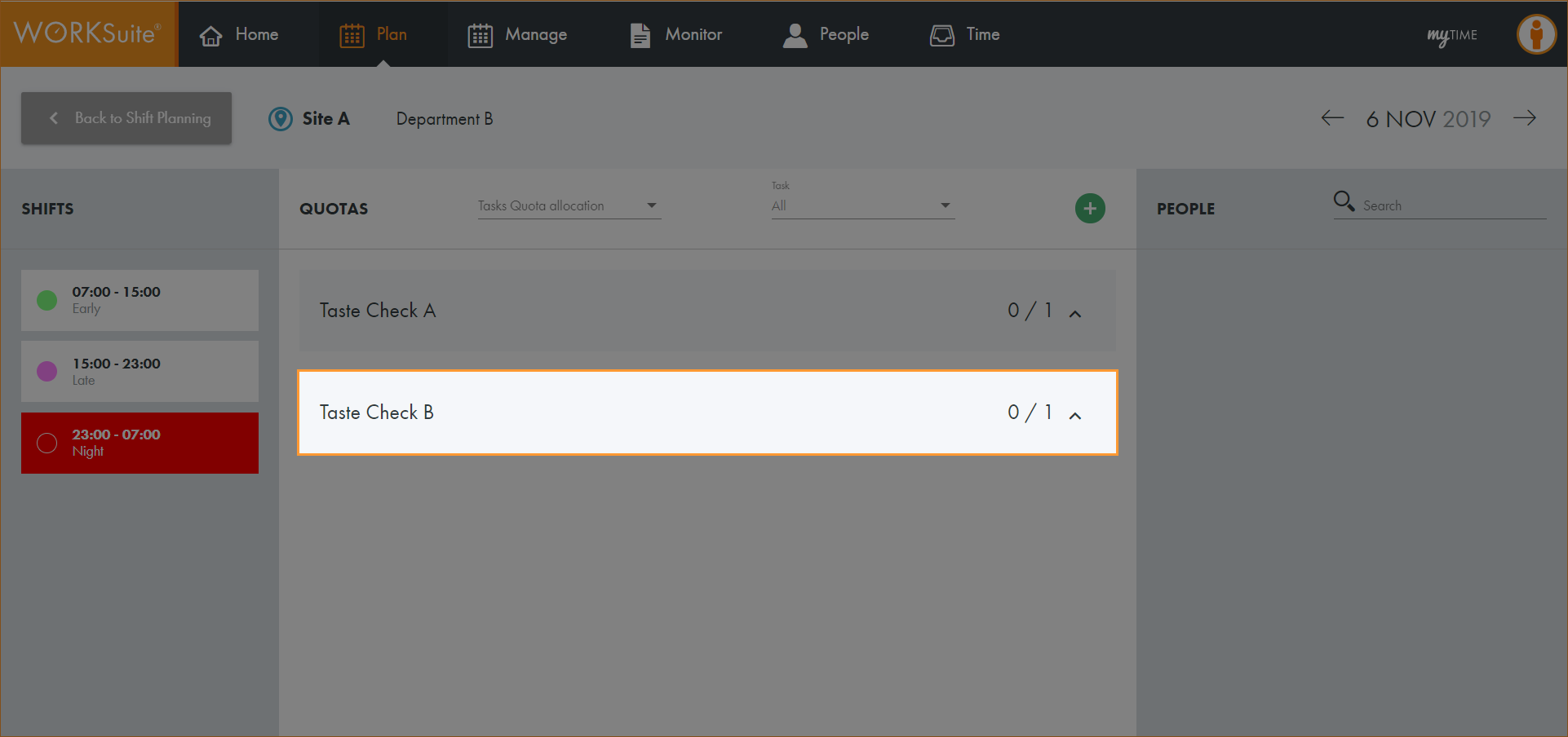
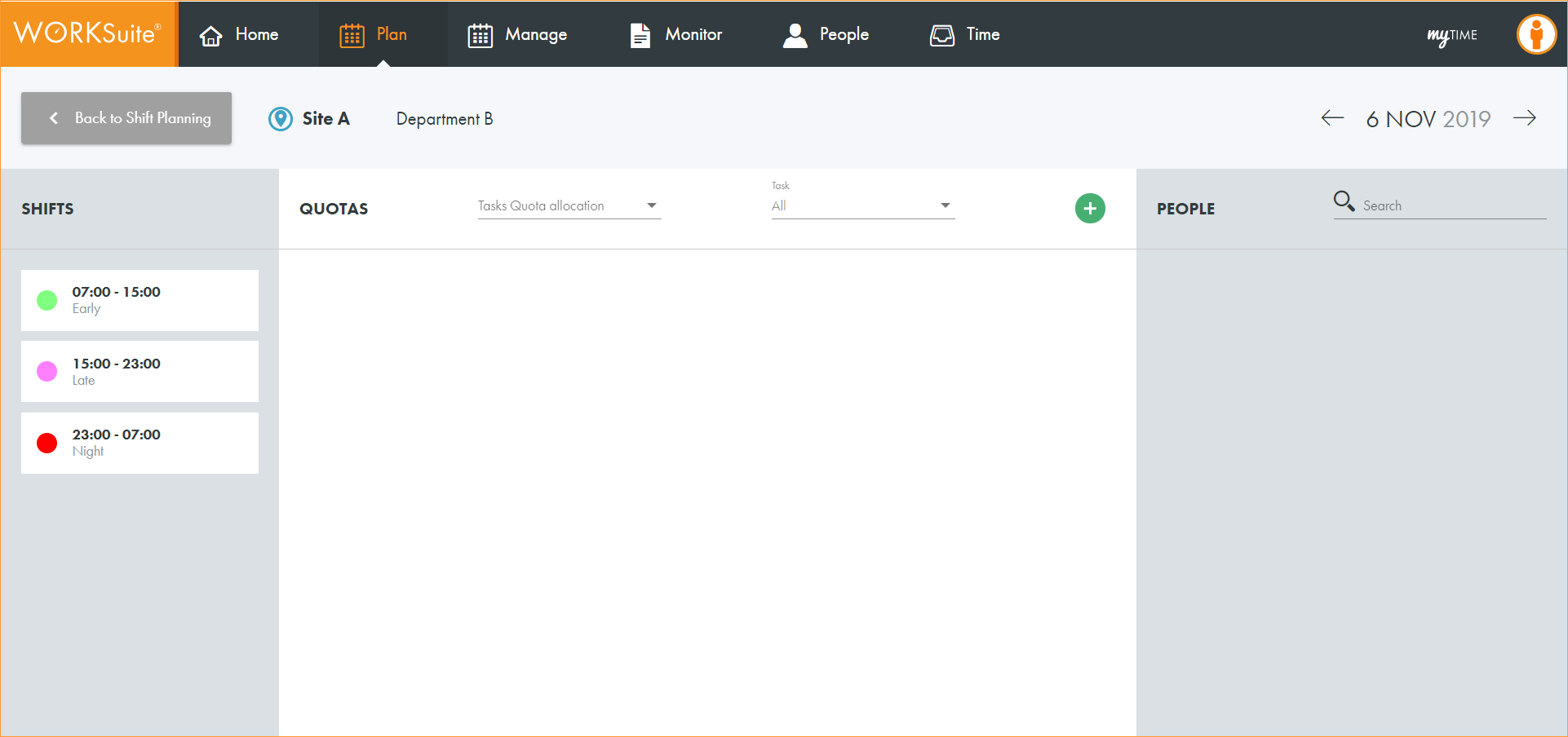
- Select a shift from the left hand menu:
- Click
 .
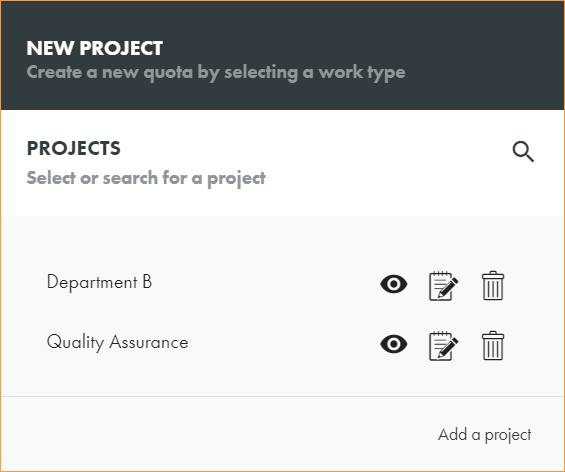
. - Select the Project that you want to work with:
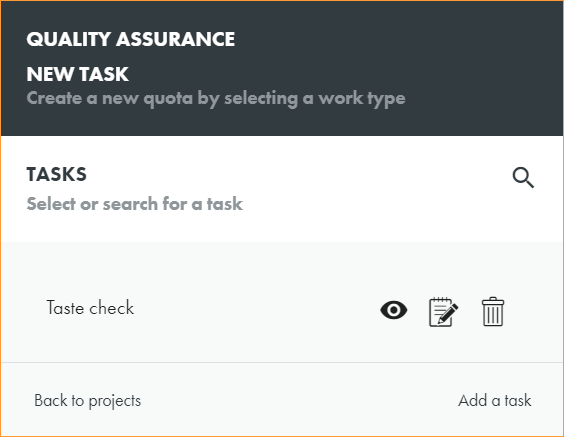
- Select the Task that you want to work with:
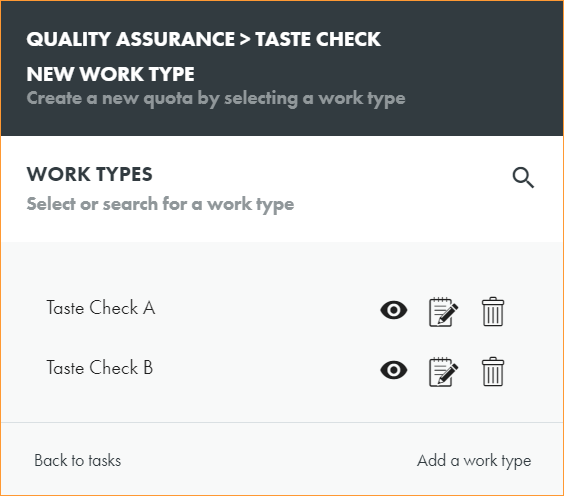
- Select the Work Type that you want to allocate:
- Click
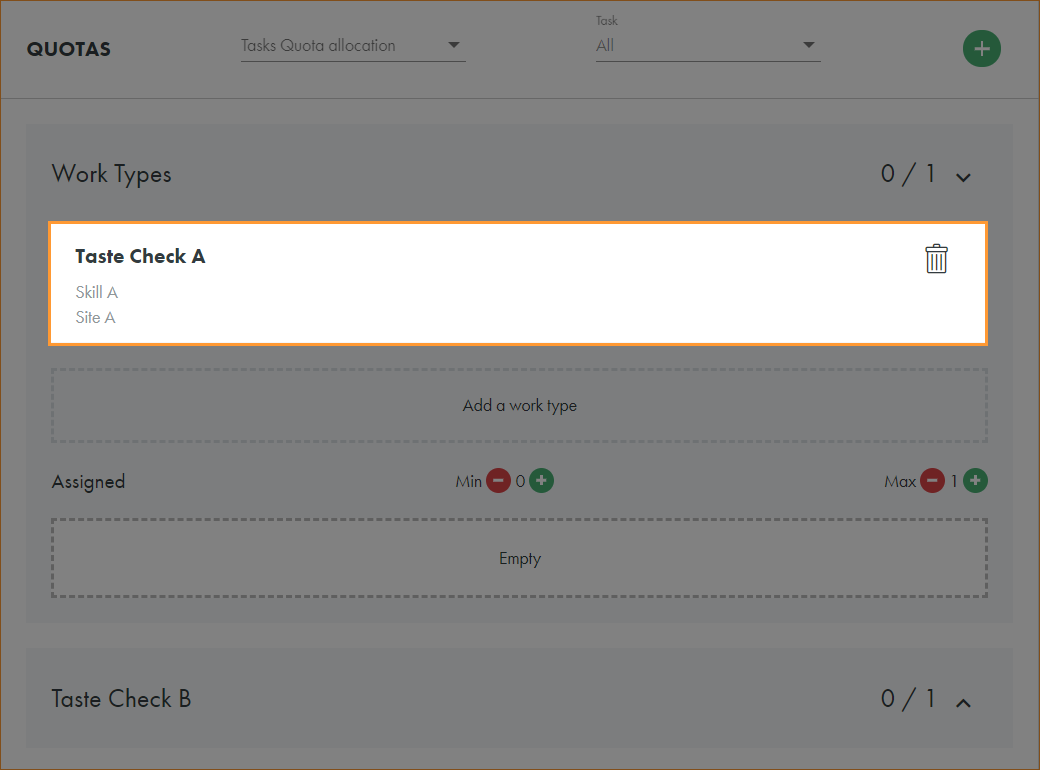
 in the work type that you want to allocate staff quotas to.
 - The work type skills and location requirements are displayed:
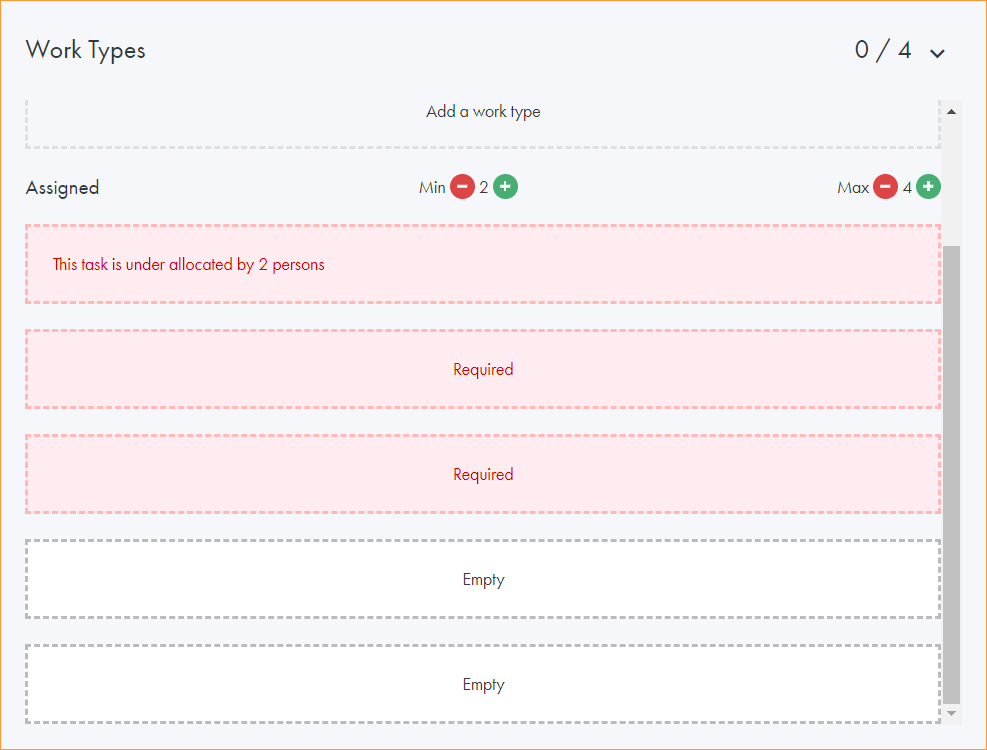
- Use the
 icons to determine the minimum and maximum staffing quota required for this task:
 - You are now ready to assign staff to the task.
The Tasks Management screen is displayed:
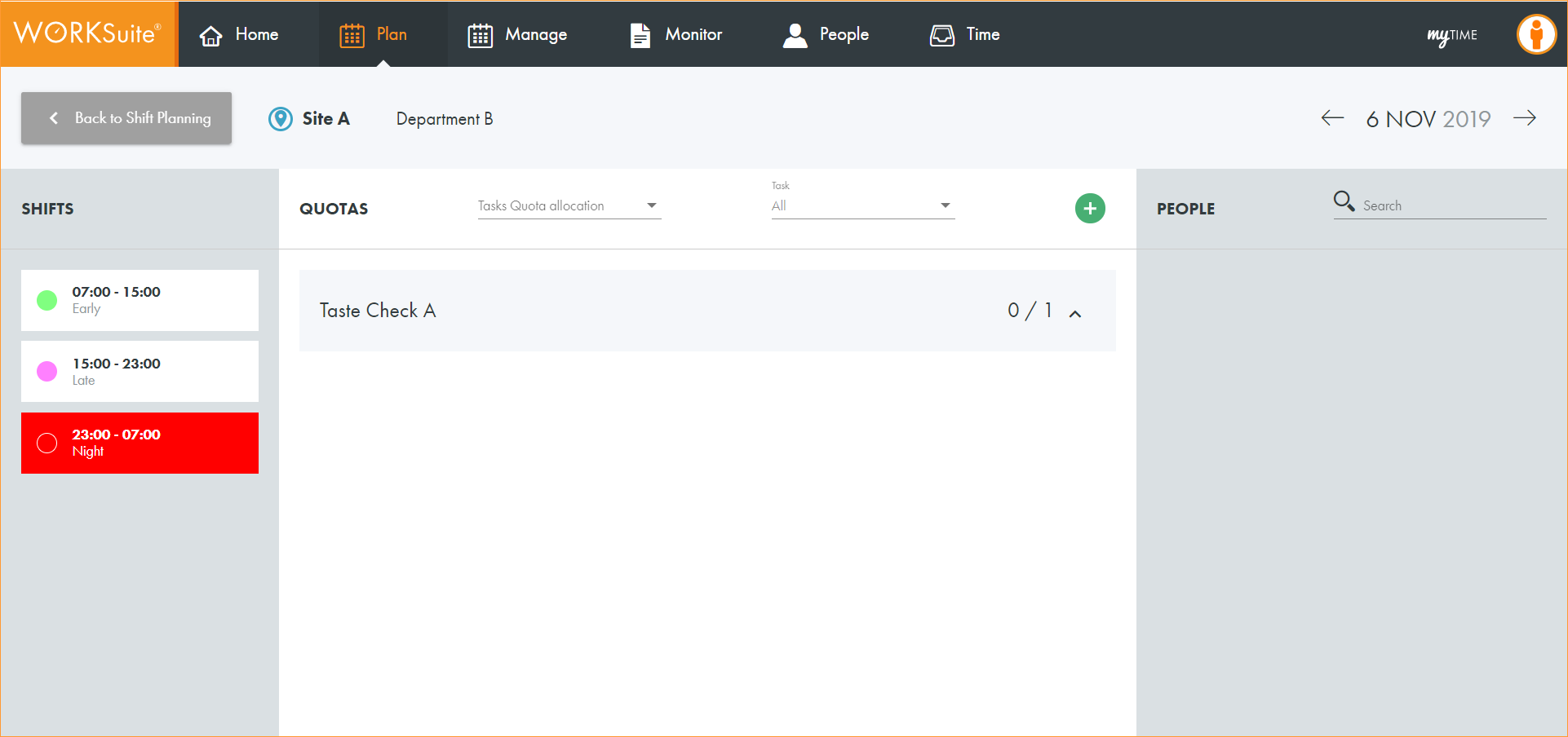
The work type is displayed in the Tasks Management screen: