Creating an announcement
Compile and publish announcements for your colleagues to view in WORKSuite and myTIME. This is useful for announcing fixed 'shut downs' or changes to clocking in procedures.
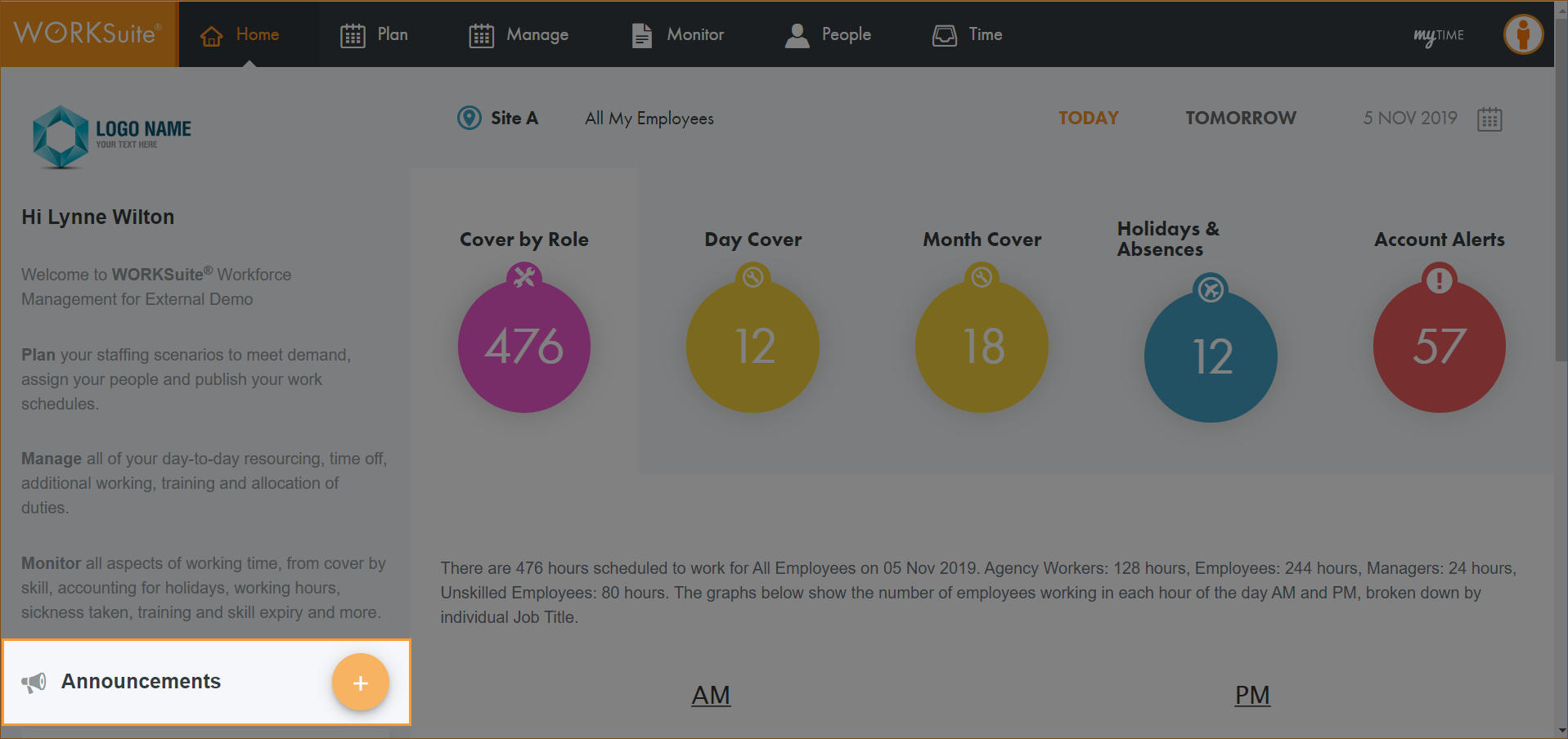
- Open the Home tab and click
 to the left of the screen:
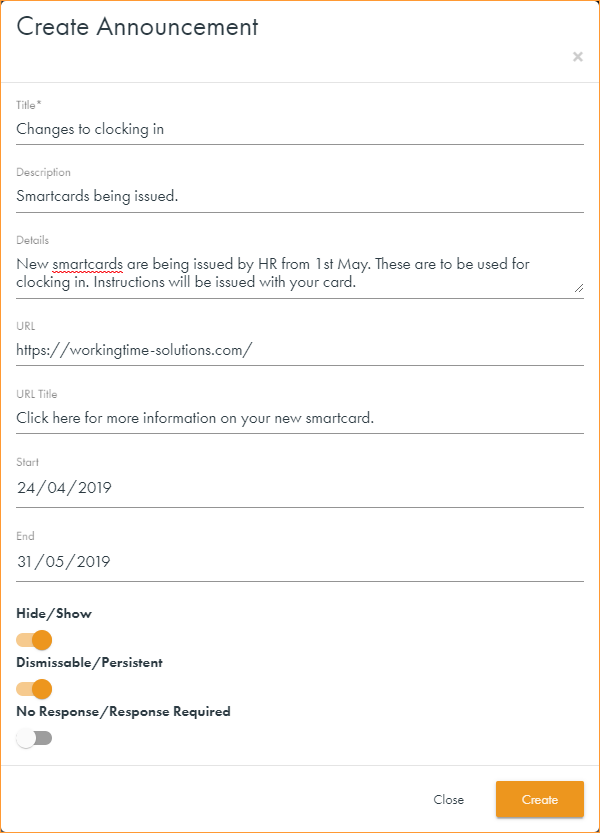
 - Enter a Title for the announcement and add body to the announcement message in the Description field.
- Enter any further relevant Details in the field available.
- Enter a URL and user friendly title for the Url, where applicable. For example if you are announcing details of a new clocking in system add a link with details of the new system here and use the URL Title of 'Click here for information about your new Smartcard'.
- Enter Start and End dates for the message. This is optional.
- Use the sliders to select how the message is displayed to users:
- Hide/Show. 'Show' must be selected.
- Dismissable/Persistent. Select Dismissable if you want the employee to be able to remove the announcement from their Home page.
- No Response/Response Required. Select Response Required and the employee gets an 'Accept' or 'Reject' option which triggers an email to the manager with their response.
- Click Save changes.
The Create Announcement window is displayed:
Your announcement is displayed in the Home tab.